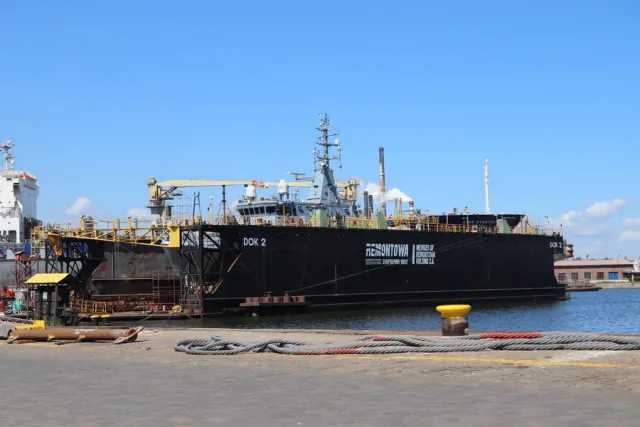
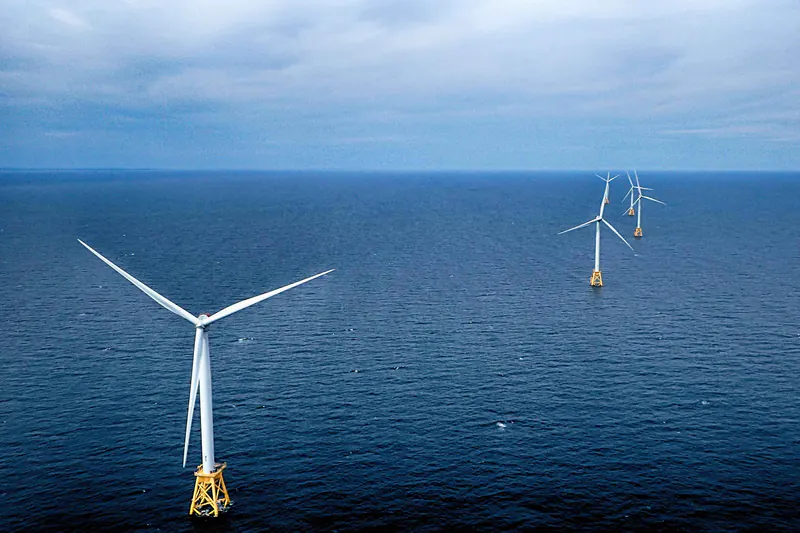
Andrzej Otrębski · CC BY-SA 4.0 · cropped

Marine equipment lifecycle
Bring vessel equipment records and technical documents into one view for lifecycle discussions.
LayersDocumentsEquipment
Explore possible ways to organise equipment information, condition data, and technical documents. The examples on this page are concepts, not deployed Engineerly products.

Concepts
For discussion, not deployed products
Three layers of information, one equipment lifecycle. The exploded view shows how each concept area sits in that stack.
A structured view of equipment, key records, and service history.
Equipment
Ways to review available operating information and condition indicators.
Condition data
A connected view of equipment context and engineering records over time.
All layers
Organised access to approved drawings, manuals, and asset information.
Documents
Indicative only. What is possible depends on the records and operating data a team already has.
| Item | Where it may help |
|---|---|
| 01 | More informed service decisionsRelevant equipment records can give teams a clearer basis for reviewing service options. |
| 02 | Easier access to documentationA structured view can help people locate approved drawings, manuals, and parts information. |
| 03 | Planning with equipment contextWhen suitable operating data is available, teams can use it to inform maintenance and upgrade planning. |
Each use case lists the information layers from the exploded view that it would draw on.
Andrzej Otrębski · CC BY-SA 4.0 · cropped
Bring vessel equipment records and technical documents into one view for lifecycle discussions.
LayersDocumentsEquipment
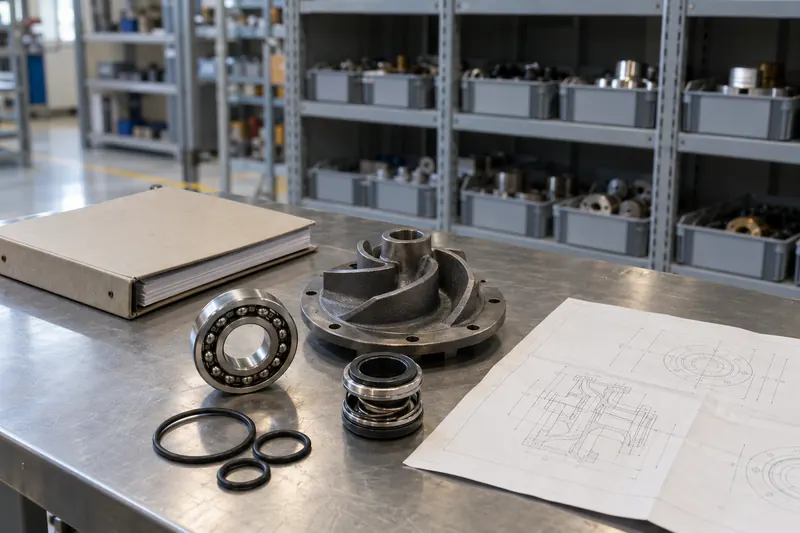
Connect relevant parts information with drawings and manuals.
LayersDocumentsEquipment
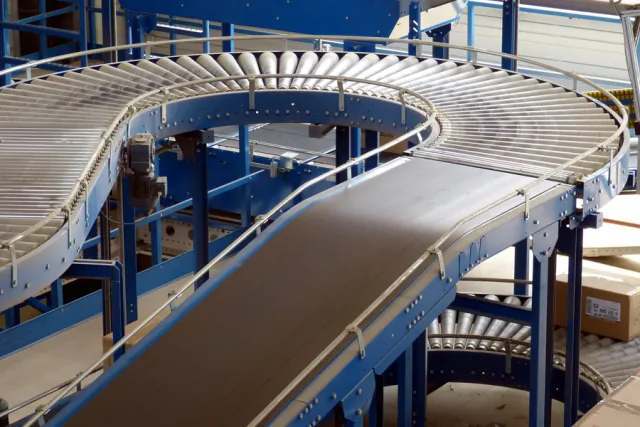
Review equipment history and engineering records when preparing maintenance or modification work.
LayersDocumentsEquipment
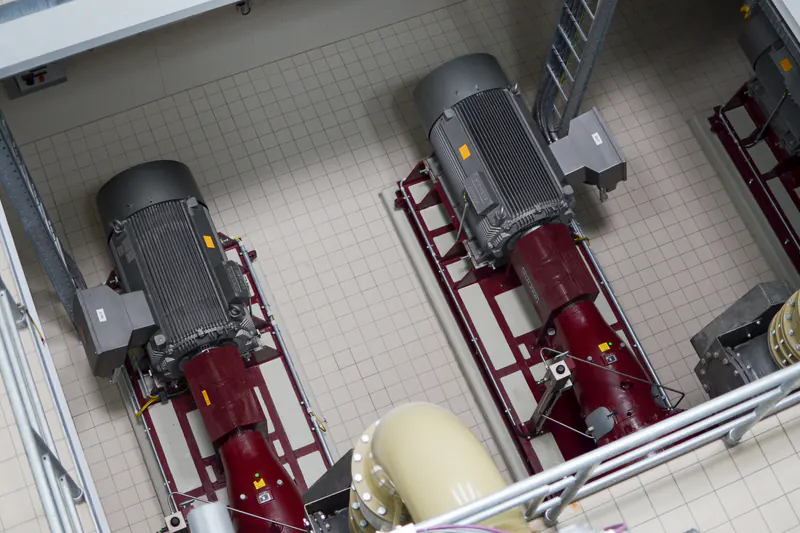
Philip Steffan · CC BY 4.0 · cropped
Explore how available sensor or operational data could support equipment follow-up.
LayersCondition dataEquipment
Ionna22 · CC BY-SA 4.0 · cropped
Organise equipment information across a fleet, site, or product range.
LayersEquipment
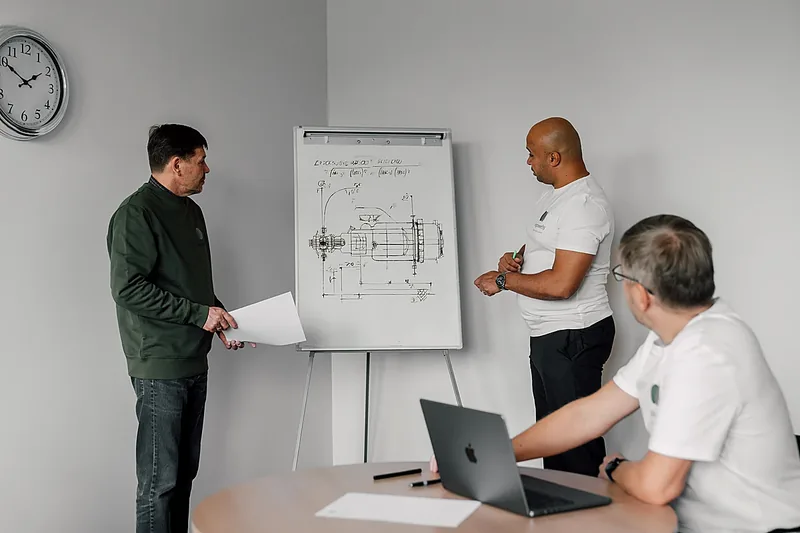
Give support teams a structured set of approved technical records to review.
LayersDocuments
Dashed outlines mark concepts. The sketches are wireframes for discussion; they do not show deployed Engineerly software.
A concept for bringing equipment details, technical documents, and service history together.
Discuss this direction: Installed-base information platformA concept for reviewing suitable operating data to support maintenance discussions.
Discuss this direction: Equipment condition monitoringA concept for organising engineering records so teams can find relevant information through an asset lifecycle.
Discuss this direction: Engineering data and documentation workflowNext step
Tell us about the equipment, information, or workflow you want to improve. We can discuss a suitable next step.
59.437° N · 24.745° E

